Frame the visual clearly
Place the original and generated room side by side, label the concept clearly, and add your own company identity and client context in the proposal you prepare.
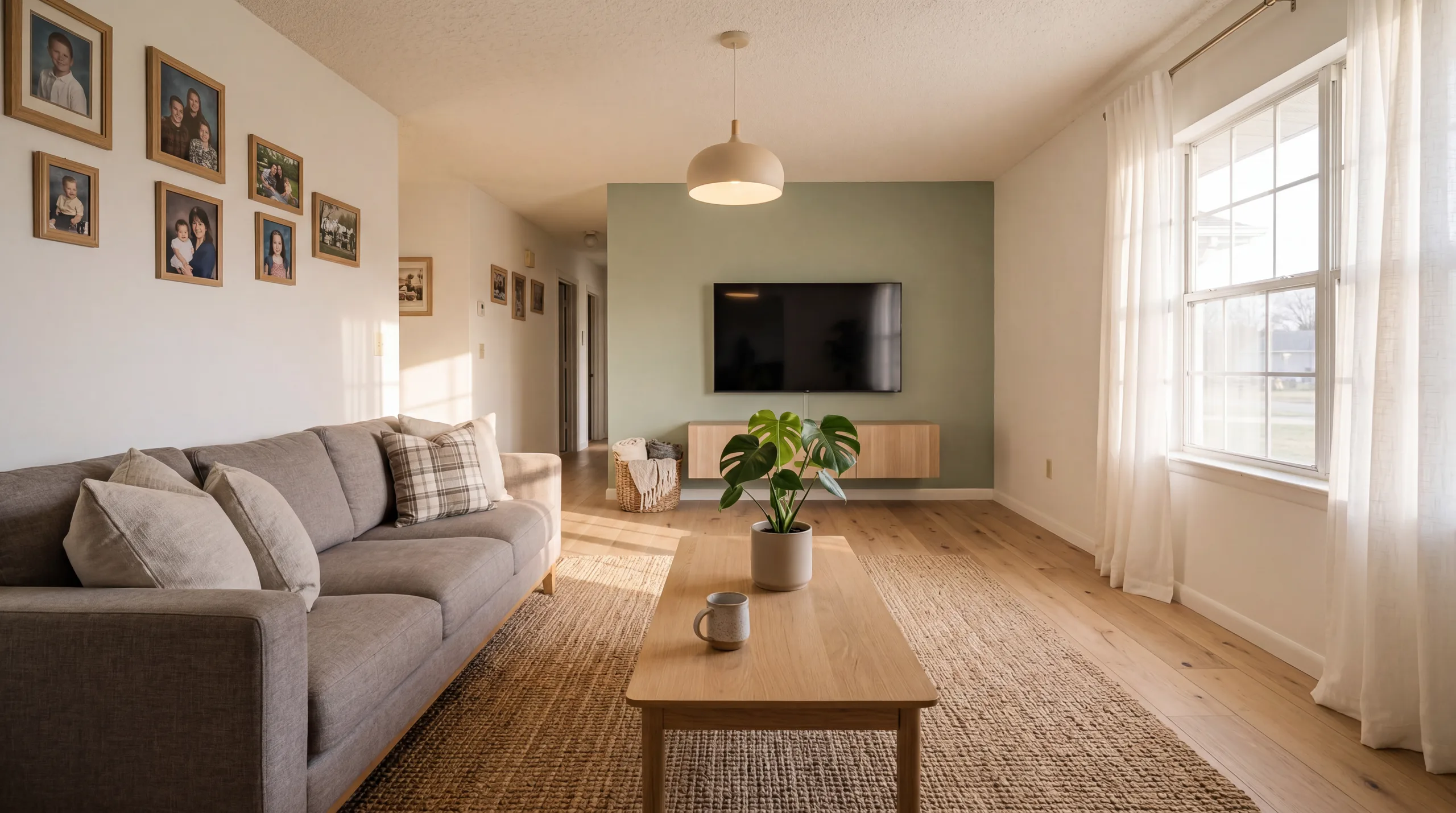
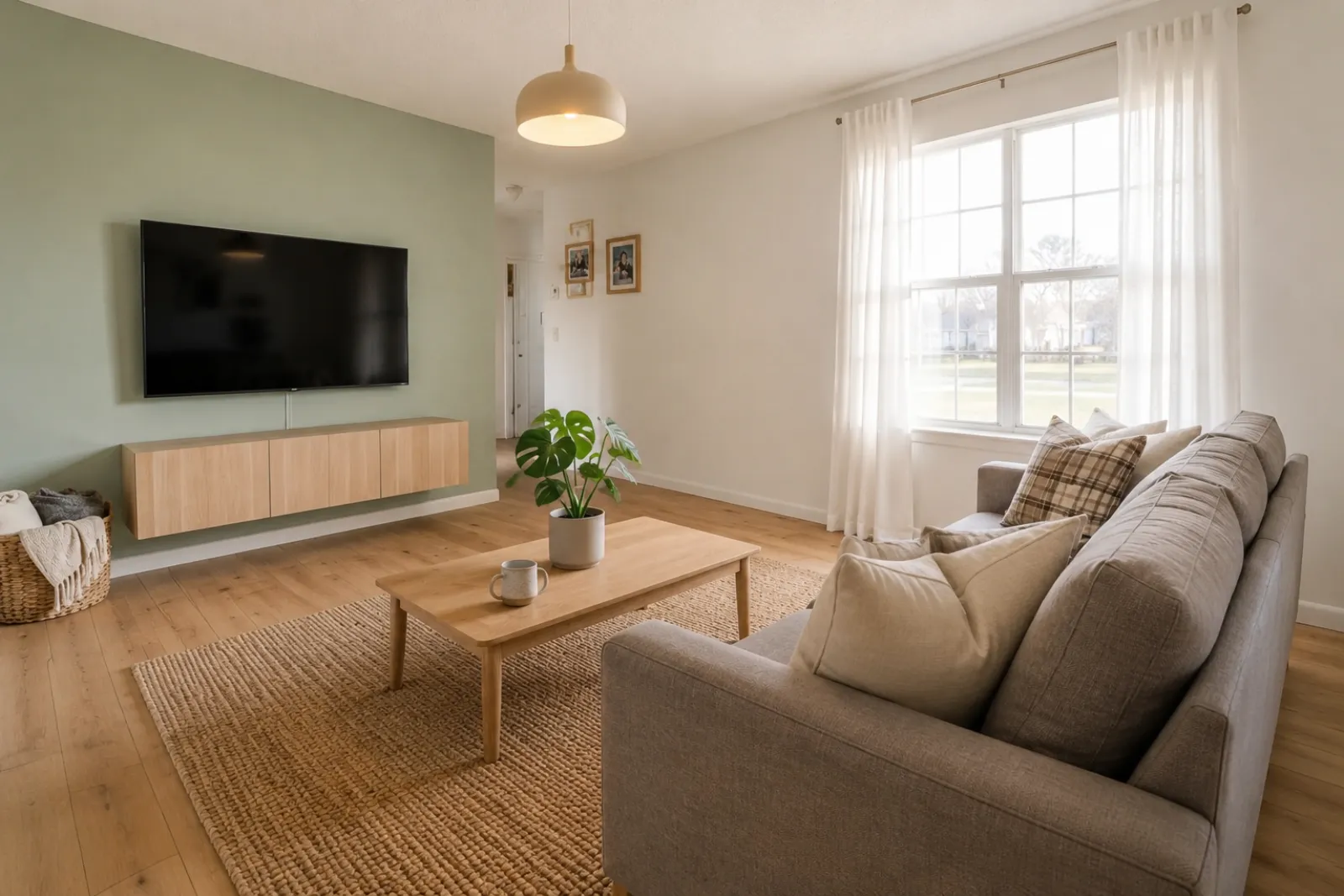
Create a before-and-after visual from the client’s real room photo, then pair it with your own scope, pricing, measurements, and contract process.
RoomFlip creates proposal visuals; contractors still own the quote, scope, contract, and follow-up.
Choose one photo, or up to six angles or rooms. Your choices stay on this device until you sign in.
RoomFlip helps create a before-and-after direction. Add your own scope, pricing, timeline, terms, and follow-up before sending anything to a client.
Drop property photos here
Upload 1–20 JPG, PNG, or WebP photos, up to 10 MB each.
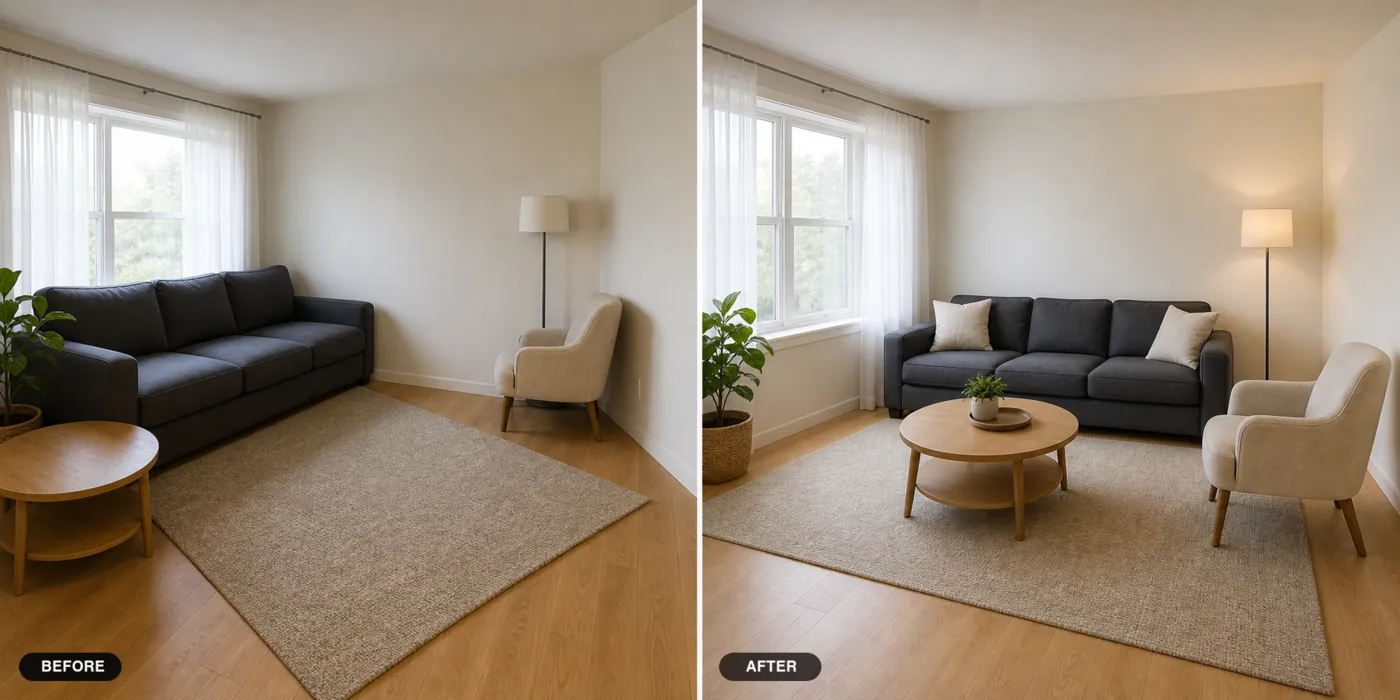
A homeowner often needs to see the intended direction before discussing detailed scope and pricing. A before-and-after preview can make that conversation clearer.
RoomFlip creates the visual aid. Your real estimate still needs measurements, materials, labor assumptions, local conditions, and contract terms.
Place the original and generated room side by side, label the concept clearly, and add your own company identity and client context in the proposal you prepare.
Add your own measurements, materials, labor, exclusions, schedule, and pricing. The RoomFlip preview is a visual direction, not a quote or scope of work.
Prepare a follow-up email draft alongside the visual proposal, review it for the client and project, then choose an appropriate time to send it.
No. RoomFlip creates visual previews from real room photos. Contractors should still prepare their own scope, pricing, contract, and follow-up process.
A regular bid starts with price. A RoomFlip visual starts with the finished direction, which can help the homeowner understand what the proposal is trying to achieve before reviewing the details.
Yes, as a visual aid. Label AI-generated images clearly and make sure the final proposal reflects real materials, labor, measurements, and local conditions.
This page does not create a branded proposal export. Add the reviewed RoomFlip visual to the proposal system you already use, along with your logo, contact details, measured scope, price, and terms.
New users get starter credits after sign-in. Paid credit packs and subscriptions are available when you want more preview attempts or cleaner downloads.
Generate the scope levels in the same workspace, then decide which options fit the proposal. RoomFlip does not predict client choices or replace the contractor's estimating process.
Investor-side renovation preview with ARV and deal memo.
View details →Realtor-side listing presentation with seller pitch script.
View details →Generate descriptions and captions once the renovation is complete.
View details →Browse every RoomFlip.pro virtual staging use case and room type.
View details →