Before-and-after staging preview
Open the seller’s room photo, choose a direction, and compare the staged version with the original.
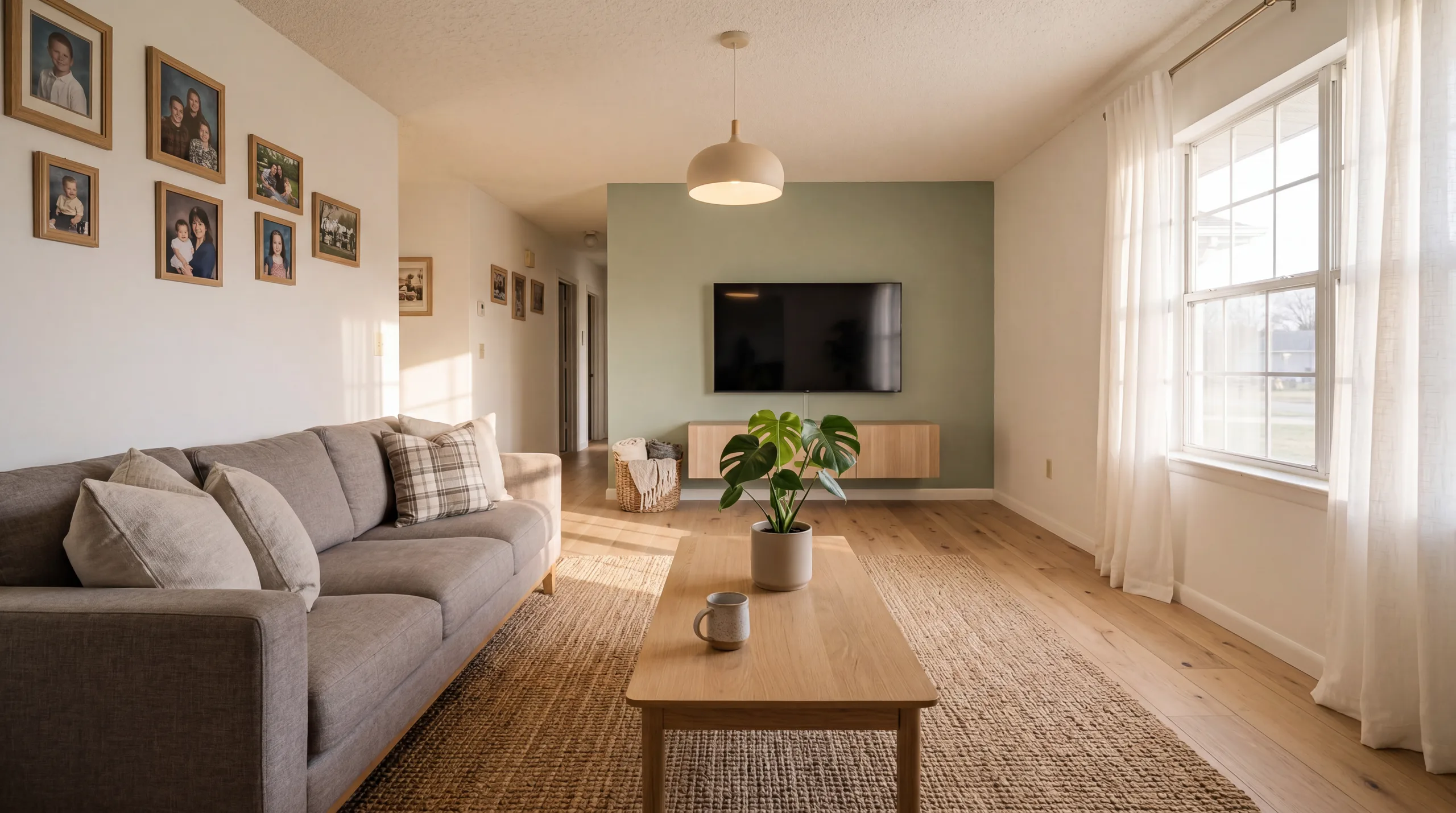
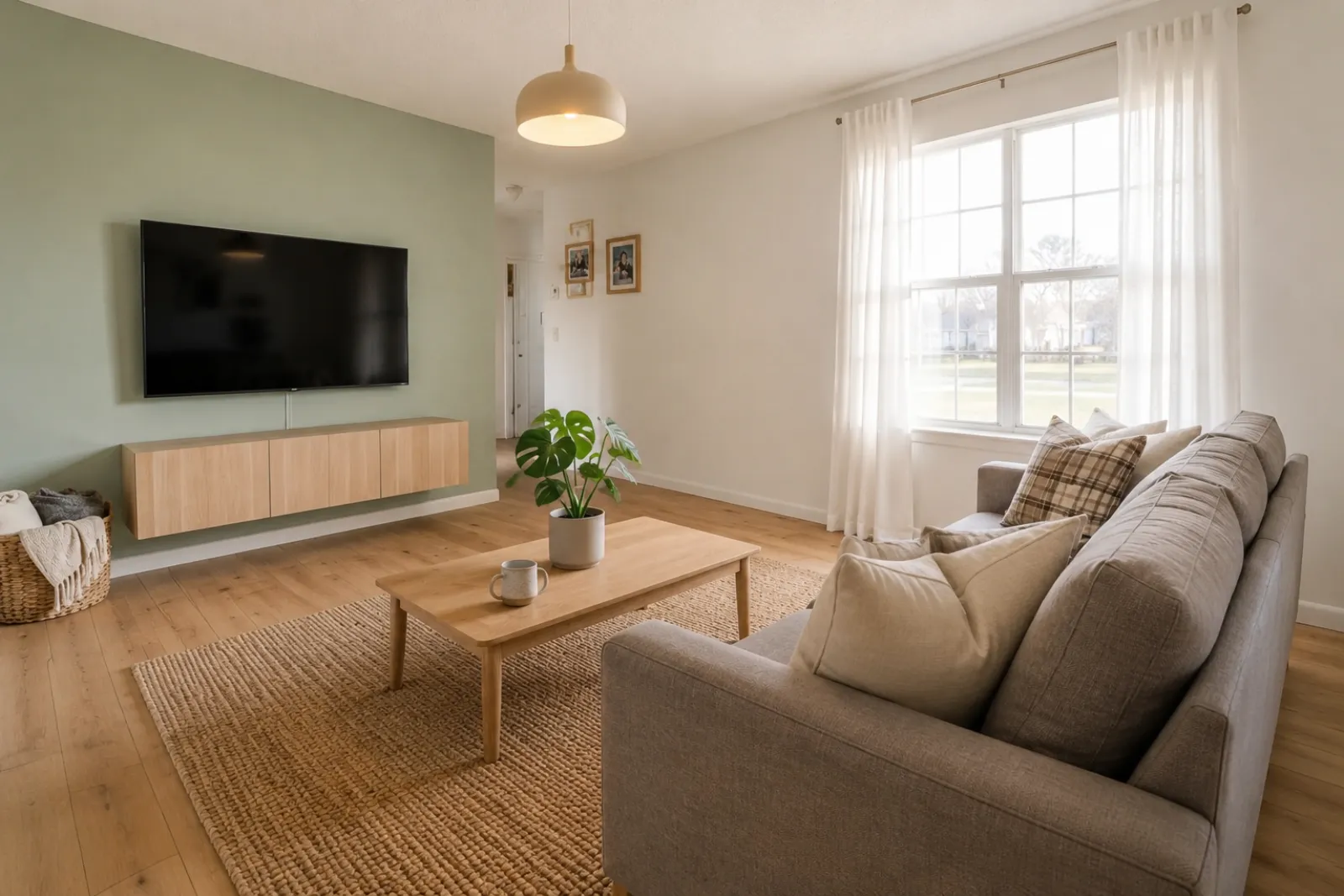
Start from the seller’s real room photo, create a staged direction, and compare it with the original so the listing conversation stays specific and honest.
RoomFlip creates room visuals; pair them with your own comps, pricing, disclosures, and listing process.
Choose one photo, or up to six angles or rooms. Your choices stay on this device until you sign in.
RoomFlip helps with the staged image and before/after comparison. Add your own comps, pricing, seller notes, and disclosure language before publishing.
Drop property photos here
Upload 1–20 JPG, PNG, or WebP photos, up to 10 MB each.
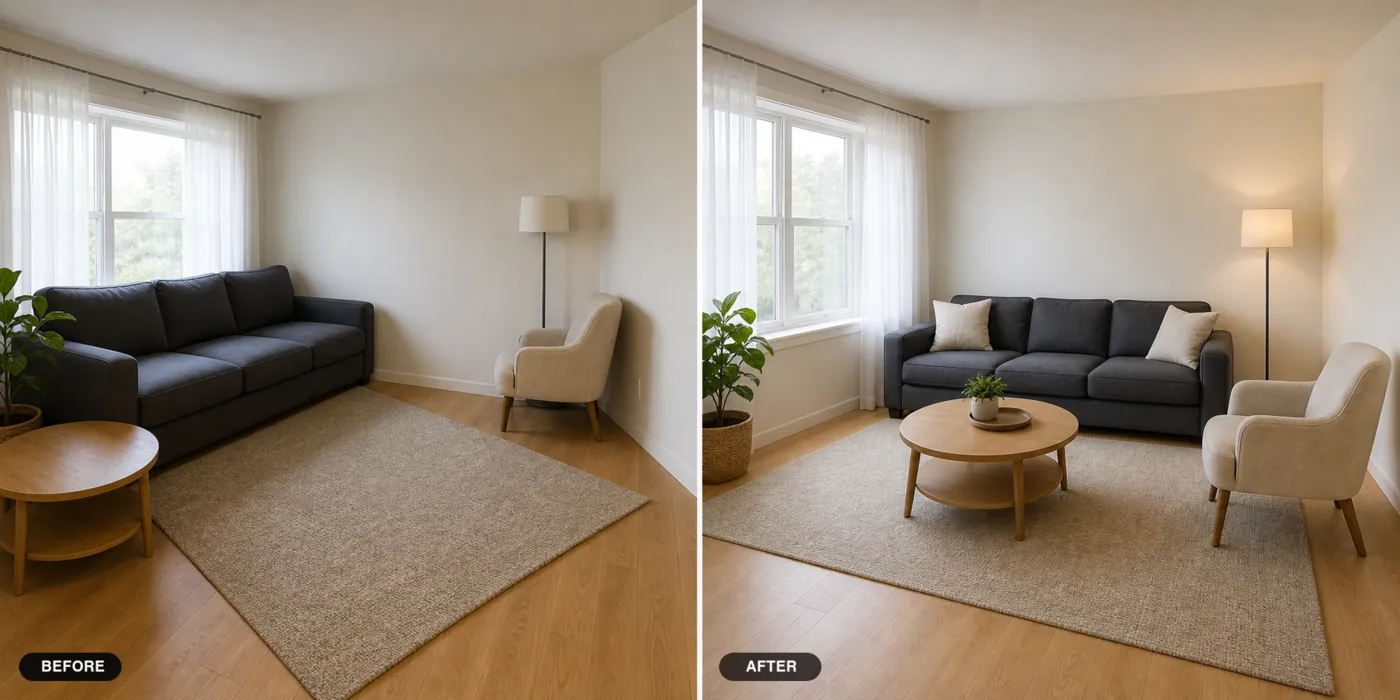
A staged preview can help a seller understand what a room could communicate online. It should stay paired with the original photo so everyone can see what changed.
RoomFlip is a visual aid for the room itself. It does not replace your pricing strategy, disclosure rules, market analysis, or complete listing presentation.
Open the seller’s room photo, choose a direction, and compare the staged version with the original.
Use the visual to discuss cleaning, staging, photography, and what should happen before the listing goes live.
Keep the original photo available and label virtual staging when the image moves into listing or marketing channels.
This page focuses on the seller conversation: start from the real room, create a generated staging direction, and keep the before/after pair visible so the seller can compare what might change before marketing.
You can start a staging preview during a listing presentation if the connection is reliable. Processing time varies, so keep existing presentation materials available and treat a live result as optional rather than guaranteed.
No. RoomFlip is a visual aid for the room itself. Pair it with your pricing, comps, marketing plan, disclosure rules, and local listing requirements.
Generate them in the same session. The tool keeps every staged result for the same listing in one workspace, so you can show the seller side-by-side comparisons before deciding which staged image goes into the MLS later.
New users get starter credits after sign-in. After that, one-time credit packs and subscriptions let you generate more room previews when you need them.
The export includes a virtual-staging caption. Disclosure rules vary by listing service, board, platform, and jurisdiction, so verify the requirements for the specific listing before publishing or removing any label.
The broader virtual staging workflow for active listings, not just the presentation visit.
View details →Generate MLS descriptions and social captions for the listing once you have signed it.
View details →Stage model units and pre-sale floor plans before the home is finished.
View details →Browse every RoomFlip.pro virtual staging use case and room type.
View details →